Welcome to Your Ultimate Guide to the Google Play Store!
Hey there, Android users! Ever wondered how that little shopping bag icon on your phone unlocks a universe of apps, games, and digital content? Well, you're in the right place! The Google Play Store is much more than just a download center; it's a vibrant ecosystem that empowers you to discover amazing tools, dive into immersive games, keep your device secure, and stay updated with the latest mobile innovations.
In this friendly, knowledgeable, and conversational guide, we'll take a deep dive into everything the Google Play Store has to offer. Consider this your personal tutorial to navigating its vast offerings, optimizing your experience, and making the most of your Android device. Let's get started and uncover the magic of the Play Store together!
Table of Contents
Introduction to the Google Play Store
Unlocking Your Digital Universe: App Discovery Made Easy
Smooth Sailing: Managing Your Downloads and Updates
Your Digital Guardian: Google Play's Robust Security
Boosting Your Efficiency: Top Productivity Apps
Level Up Your Fun: Exploring the Best Gaming Apps
Expanding Your Horizons: The Multi-Device Experience
Always Ahead: Accessing the Latest Mobile Technologies
Personalizing Your Play Store Journey
Frequently Asked Questions about the Google Play Store
Key Takeaways
1. Introduction to the Google Play Store
The Google Play Store is the official app marketplace for Android devices, serving as your central hub for discovering, downloading, and updating a massive variety of applications and games. Think of it as a meticulously organized digital library, constantly growing and evolving to meet the needs of billions of Android users worldwide. Beyond just apps, it's a gateway to digital content like books, movies, and TV shows, all curated for your convenience.
This incredible platform isn't just for consumers; it's also where developers publish their creations, reaching a global audience of over 3 billion active Android users. It handles everything from app distribution and payments to user ratings, reviews, and ensuring compliance with Google's stringent policies, creating a fair and dynamic environment for everyone.
At its heart, the Google Play Store is a multi-faceted platform, combining elements of a marketplace, a powerful search engine, a reliable billing infrastructure, and a crucial policy enforcement layer. This comprehensive approach means that whether you're looking for a new game to unwind or a tool to organize your work, the Play Store is designed to provide a seamless and secure experience.
2. Unlocking Your Digital Universe: App Discovery Made Easy
One of the Play Store's most fantastic features is how it helps you find exactly what you're looking for, and even things you didn't know you needed! It employs clever algorithms and user data to offer personalized recommendations, making your discovery journey exciting and tailored to your tastes. Categories, curated collections, and editor's picks are just some of the ways the store guides you through its extensive library.
Recently, Google has been making significant strides in enhancing app discovery, leveraging artificial intelligence (AI) to create an even more intuitive experience. Imagine asking your device for a specific type of game or a productivity tool, and getting personalized, conversational recommendations. This is becoming a reality with features like "Ask Play" and deeper integration with Gemini AI, which can understand your follow-up questions and provide summarized results directly in search.
This means that app content isn't just confined to the Play Store app itself anymore. You might find app recommendations surfacing directly within Google Gemini or other Android services, offering new pathways to visibility for developers and more convenient discovery for you. It's all about bringing the right content to you, wherever you are on your Android journey.
3. Smooth Sailing: Managing Your Downloads and Updates
Once you've found an app or game you love, installing it is usually a one-tap affair. The Google Play Store makes the process incredibly straightforward, guiding you through permissions and ensuring a smooth installation directly onto your device. You can even manage installations remotely from a computer, as long as you're signed into the same Google account.
Keeping your apps up-to-date is just as effortless, thanks to automatic updates. This feature ensures that you're always running the latest version of your favorite apps, benefiting from new features, bug fixes, and crucial security improvements without having to manually check each one. This background process keeps your digital experience fresh and secure.
The Play Store also gives you control over your app library. You can easily view all your installed apps, manage subscriptions, and uninstall applications you no longer need. This centralized management makes it simple to keep your device clutter-free and performing optimally.
4. Your Digital Guardian: Google Play's Robust Security
Security is a top priority for Google, and the Play Store is designed with multiple layers of protection to keep you safe from harmful apps and secure your personal data. At the forefront is Google Play Protect, a built-in malware defense system that actively scans billions of apps daily.
Here's how Google Play Protect keeps you safe:
It performs over 10,000 safety checks on every app before it's even available on the Play Store, and continues to scan apps after they're installed.
It warns you about potentially harmful apps (PHAs) from any source, not just the Play Store, and can even deactivate or remove them from your device automatically.
It provides transparency through "Data safety" sections on each app's detail page, showing you how an app collects, shares, and protects your data, helping you make informed decisions.
Furthermore, Google Play's billing system ensures secure payments and purchase verification, keeping your financial information protected and not shared directly with app developers. For an extra layer of security, you can set up authentication with a password or biometrics for any purchase.
5. Boosting Your Efficiency: Top Productivity Apps
In our fast-paced world, productivity apps are lifesavers, and the Google Play Store is packed with tools to help you streamline your work, organize your thoughts, and manage your time effectively. From office suites to note-taking and project management, there's an app for every need.
Some highly-rated and popular productivity apps include:
Google Docs, Sheets, and Slides: These offer powerful word processing, spreadsheet, and presentation tools, perfect for on-the-go editing and collaboration.
Microsoft Word, Excel, and PowerPoint: For those integrated into the Microsoft ecosystem, these apps provide familiar functionality and seamless document management.
Google Keep: An excellent app for quick notes, lists, and reminders, making sure you never forget a brilliant idea or an important task.
Beyond these core tools, you'll find specialized apps for various tasks. For example, Super Productivity: To-Do List offers advanced task management, time tracking, and Pomodoro timer functionalities, designed to help you focus deeply without distractions, and it prides itself on no data collection or accounts required. Other examples include Adobe Acrobat Reader for PDF management and various AI chat assistants like ChatGPT, Google Gemini, and Claude by Anthropic, which can assist with writing, research, and ideation.
6. Level Up Your Fun: Exploring the Best Gaming Apps
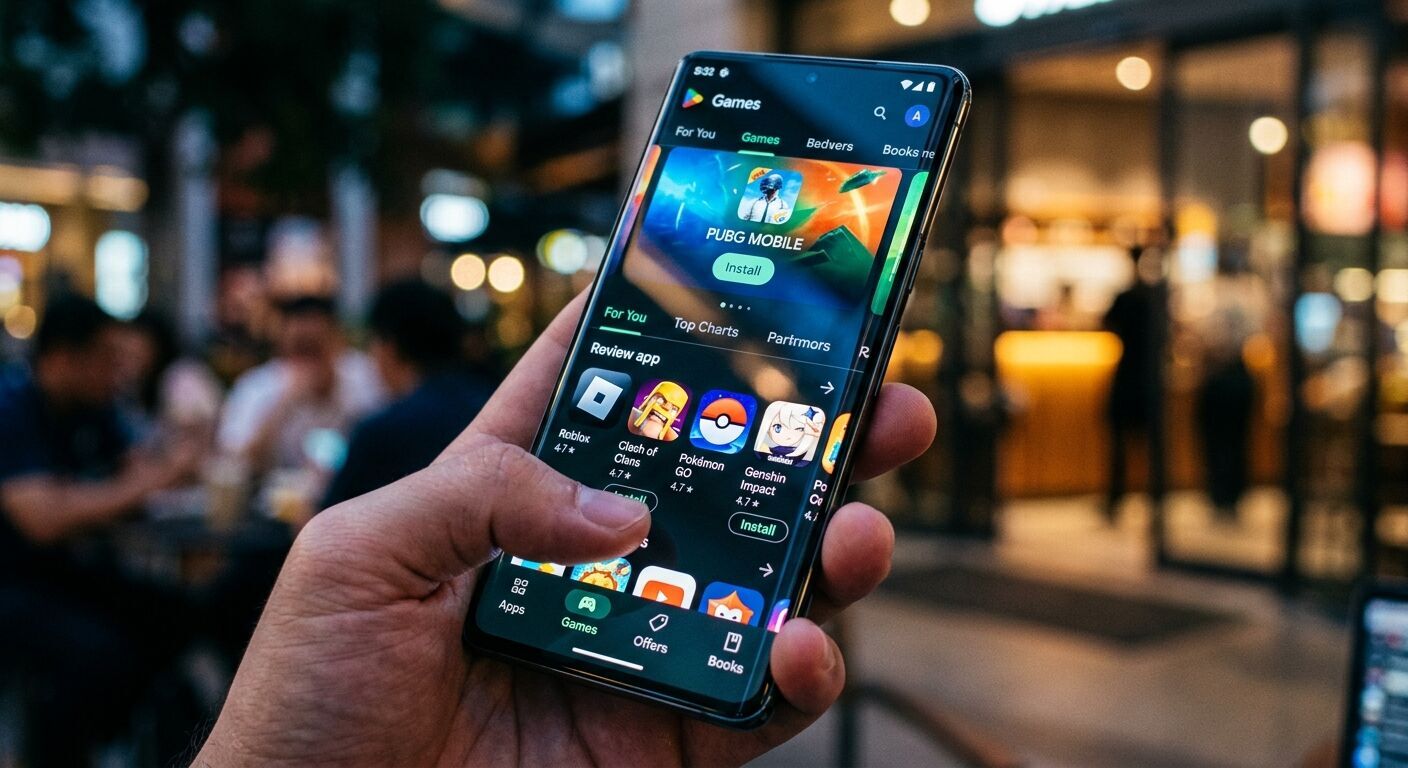
When it's time to unwind, the Google Play Store transforms into an arcade filled with an incredible array of games for every taste. Whether you're into casual puzzles, intense action, or immersive role-playing games, you'll find endless entertainment.
Some of the most popular and enduring games on the Play Store include:
Subway Surfers: A classic endless runner that continues to captivate players with its vibrant graphics and addictive gameplay.
Candy Crush Saga: A timeless match-three puzzle game that offers thousands of levels and sweet challenges.
Roblox: A global platform where millions of users create and share immersive 3D experiences, offering limitless possibilities for play.
You can also find big-name titles like Minecraft, known for its creative freedom and block-building adventures, and Call of Duty: Mobile for intense competitive shooting. The Play Store's "Games" section allows you to explore by genre, see top charts, and discover new releases, ensuring you're always connected to the latest and greatest in mobile gaming.
7. Expanding Your Horizons: The Multi-Device Experience
The Google Play Store isn't just for your smartphone anymore! Google is actively working to expand the Play experience across multiple devices, creating a seamless digital life for you. This means your apps and games can increasingly move with you, from your phone to your tablet, smartwatch, car, and even your PC.
Consider this: you might start watching a TV show on Google TV, and later, the Play Store could surface a notification on your Android tablet, suggesting you continue watching there. This multi-device integration, powered by tools like the Engage SDK, aims to bridge content experiences across all your Android-powered gadgets.
This focus on a unified ecosystem means that developers are encouraged to create apps and games that perform wonderfully across different screen sizes and input methods. This results in a more flexible and convenient experience for you, allowing you to pick up exactly where you left off, no matter which device you're using. Disney Speedstorm was even recognized as a "Best Multi-device game of 2025" for its optimized play across PC, tablet, and mobile.
8. Always Ahead: Accessing the Latest Mobile Technologies
The Google Play Store is at the forefront of bringing cutting-edge mobile technologies directly to your fingertips. Through its vast app library, it provides access to innovations as soon as they become available on Android. This commitment ensures that your device remains a powerful and relevant tool for years to come.
A prime example of this is the integration of advanced AI and machine learning into many applications. From AI assistants that help you write emails and summarize information to smart photo editors and augmented reality (AR) experiences in games, the Play Store is a hub for these intelligent technologies. The Play Store itself is leveraging AI for improved app discovery, as seen with Ask Play and Gemini integration.
Furthermore, the Play Store continually supports new hardware capabilities, whether it's optimizing apps for foldable phones, improving performance for powerful gaming chipsets, or enabling new forms of interaction with wearables. By keeping the platform current, Google ensures that both developers and users can fully harness the potential of the latest mobile advancements.
9. Personalizing Your Play Store Journey
The Google Play Store is designed to be a personal experience, adapting to your preferences and habits over time. This personalization goes beyond just app recommendations and extends to various settings that allow you to control how you interact with the store.
You can easily manage your payment methods and subscriptions directly within the Play Store, making it simple to keep track of your digital purchases and recurring services. This includes setting up parental controls to manage content access for younger users, ensuring a safe browsing environment for the whole family.
Additionally, you have control over settings like automatic app updates, notification preferences, and even your Google Play Protect settings, allowing you to fine-tune your security preferences. By exploring the "Settings" menu, you can tailor the Play Store to fit your needs, enhancing both convenience and peace of mind.
10. Frequently Asked Questions about the Google Play Store
Q: Is the Google Play Store free to use?
A: Yes, the Google Play Store app itself is free to download and use. Many apps and games available on the store are also free, though some may offer in-app purchases or subscriptions. There are also paid apps that require a one-time purchase.
Q: How do I update my apps?
A: By default, apps are set to update automatically over Wi-Fi. You can check for updates manually or change your update preferences by opening the Play Store app, tapping your profile icon, then going to "Manage apps & device" and then "Updates available."
Q: What is Google Play Protect?
A: Google Play Protect is a built-in security feature that scans apps on your Android device for malware and other harmful software. It runs checks on apps from the Play Store before you download them and continuously scans your device for potentially harmful apps from other sources.
Q: Can I install apps from outside the Google Play Store?
A: Yes, Android allows you to install apps from other sources, a process often called "sideloading." However, Google Play Protect still scans these apps for safety, and it's generally recommended to download apps only from trusted sources like the Play Store to minimize security risks.
Q: How do I manage my subscriptions through the Play Store?
A: To manage your subscriptions, open the Play Store app, tap your profile icon, then select "Payments & subscriptions" and then "Subscriptions." From there, you can view, manage, or cancel your active subscriptions.
Q: What are "Data safety" sections on app pages?
A: The "Data safety" section, found on an app's detail page, provides developers' disclosures about how they handle user data, including what data they collect, whether it's shared with third parties, and the app's security practices. This helps you make informed decisions about privacy.
11. Key Takeaways
The Google Play Store is the official and primary source for apps and games on Android devices, offering a vast and constantly updated library.
App discovery is becoming more intelligent with AI-powered features like "Ask Play" and Gemini integration, providing personalized and conversational recommendations.
Google Play Protect offers robust security, performing thousands of checks on apps and continuously scanning your device to keep you safe from harmful software.
The Play Store is a treasure trove for both productivity and gaming apps, featuring popular titles like Google Workspace apps, Microsoft Office apps, ChatGPT for productivity, and engaging games like Subway Surfers, Candy Crush Saga, and Roblox.
The platform is expanding beyond phones, integrating apps and experiences across tablets, wearables, and other devices for a seamless multi-device user experience.
It continually provides access to the latest mobile technologies, including advanced AI and optimizations for new hardware, keeping your Android device at the cutting edge.
Users have extensive control over their Play Store experience, including managing downloads, updates, subscriptions, and security settings.


 Lisa Redford